
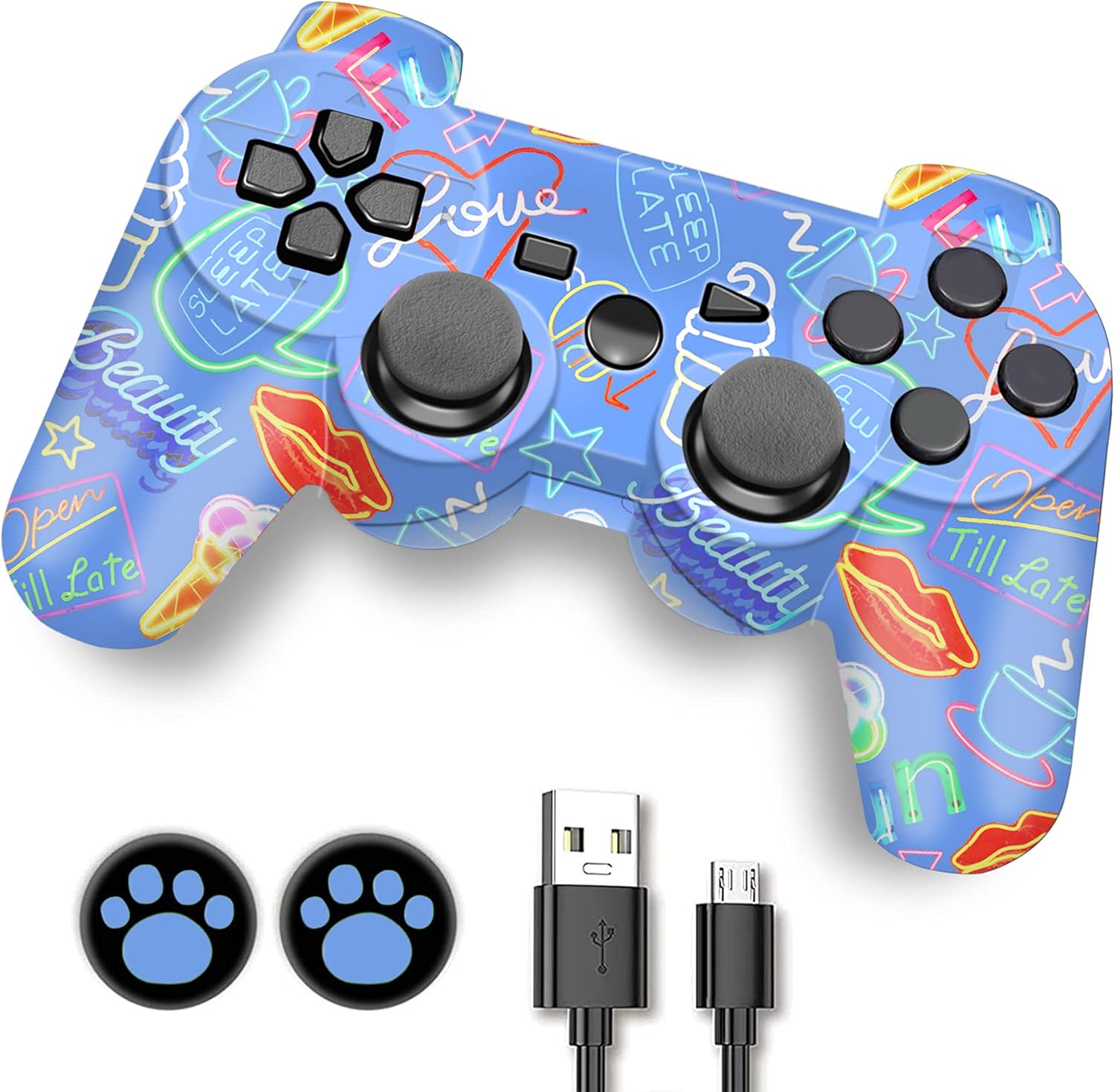
Controller, Wireless Controller, Game Controller Compatible for play3 Remote with Charger and Thumb Gripss
Product details
| Management number | 208552824 | Release Date | 2026/03/22 | List Price | $36.00 | Model Number | 208552824 | ||
|---|---|---|---|---|---|---|---|---|---|
| Category | |||||||||
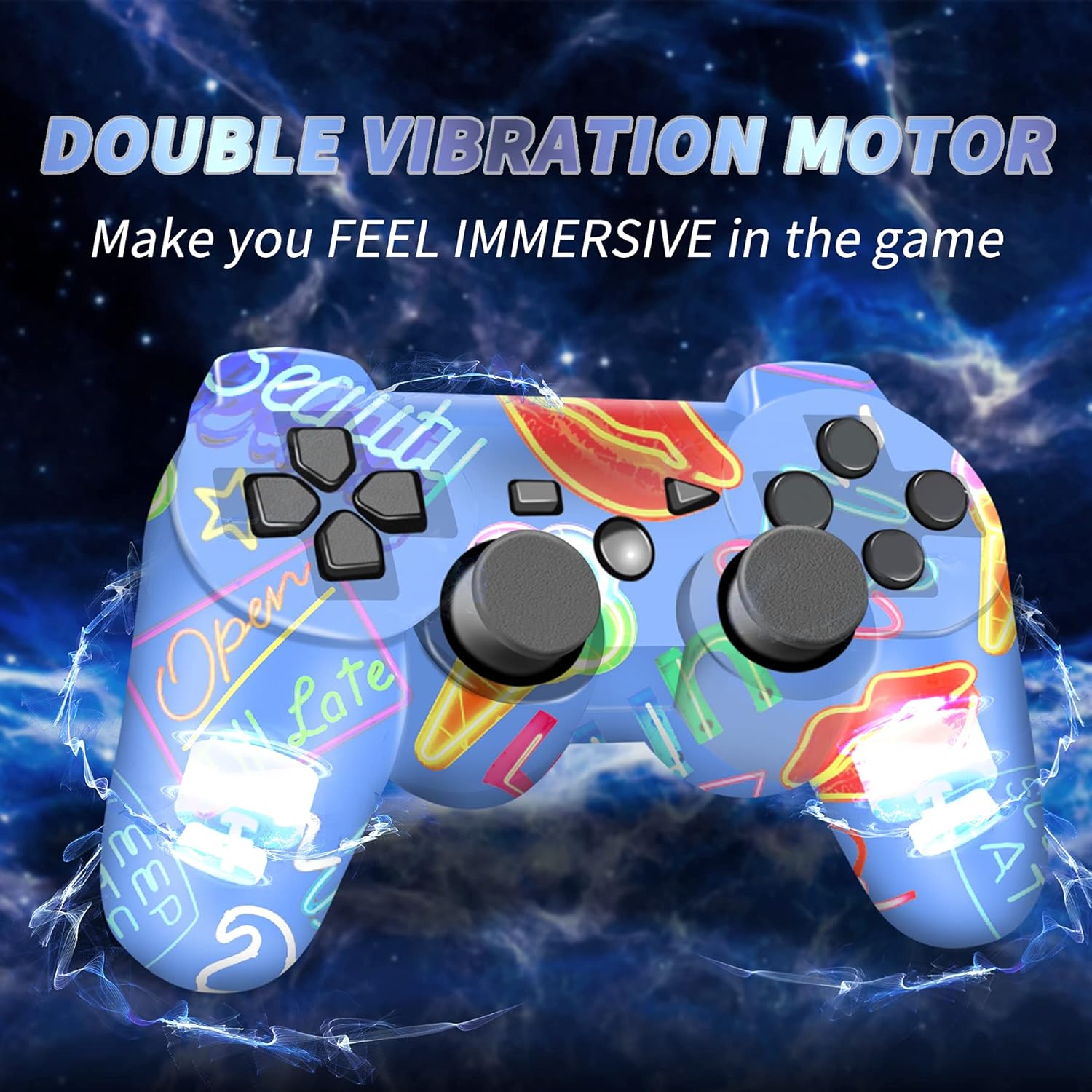
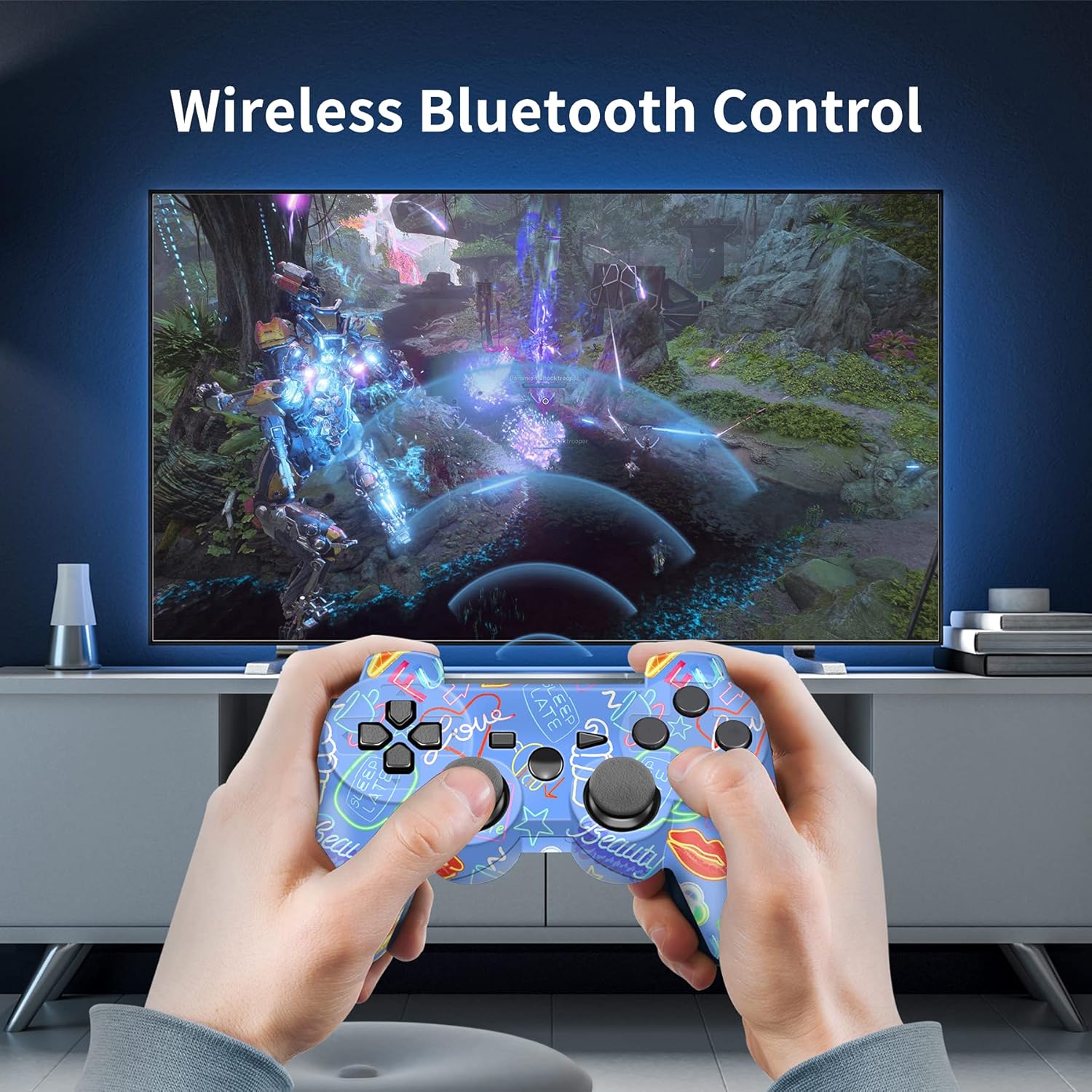
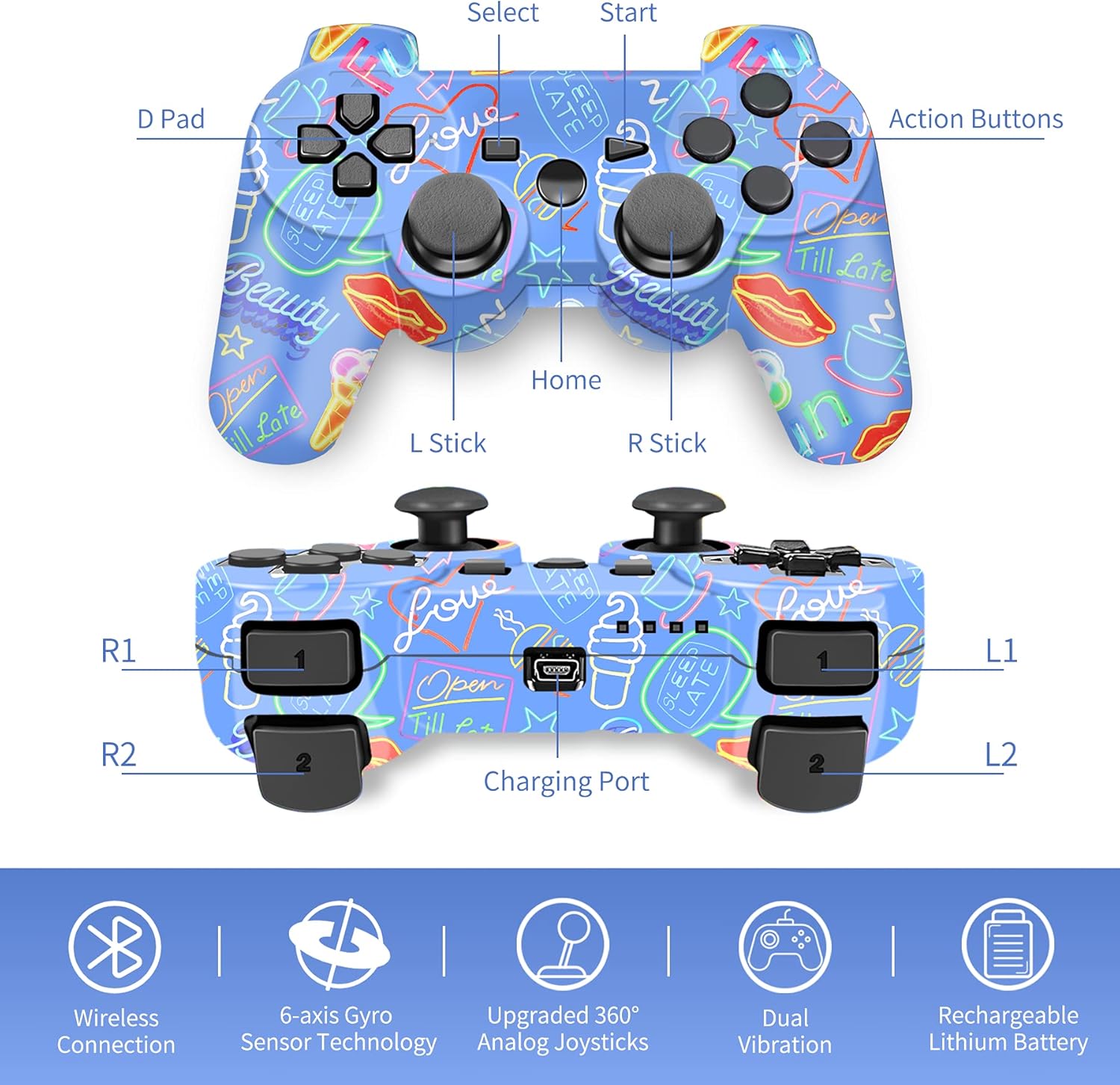
Tip: This wireless controller is a replacement for the original Sony Controller. This Play3 controller is a third party product.Not made by Sony. Dual Vibrators Gaming Controller Vibrating motors are embedded in the side grips and deliver distinct feedback during the game, enhancing the immersion and realism of the game scenarios. Support 6-Axis Characters as well as objects in the game will move and react as you tilt, push and shake the controller. Wireless Controller Play3 Remotes with wireless transmission technology, you won't suffer from data loss or signal interference. How to pair with your game controller? 1.When using the Controller for first time or when using with a different console, you must first pair the devices. 2.Turn on the console and connect the controller using a USB cable, and then press the Home button, the pairing will be completed automatically. 3.Unplug USB cable from the console, press the Home button when you want to play game, you can enjoy the game with the controller through Bluetoothtechnology. Note: Please reset the controller by poking the reset hole on the back of the controller twice with a paper clip before pairing and charging. How To Charge the wireless controller? Connect the console to the Remote by the USB cable. The indicator light will flash while charging. When the indicator stops flashing, it means the battery is fully charged. Package contents: 1x Controller; 1x English manual; 1x Charging cable; 2x Thumb grips.
- 【DESIGNED FOR Play3】High Performance Bluetooth wireless controller. Hassle-free wireless connection, easy connect and helps you easily win the games. The Game Controller supports broad games.
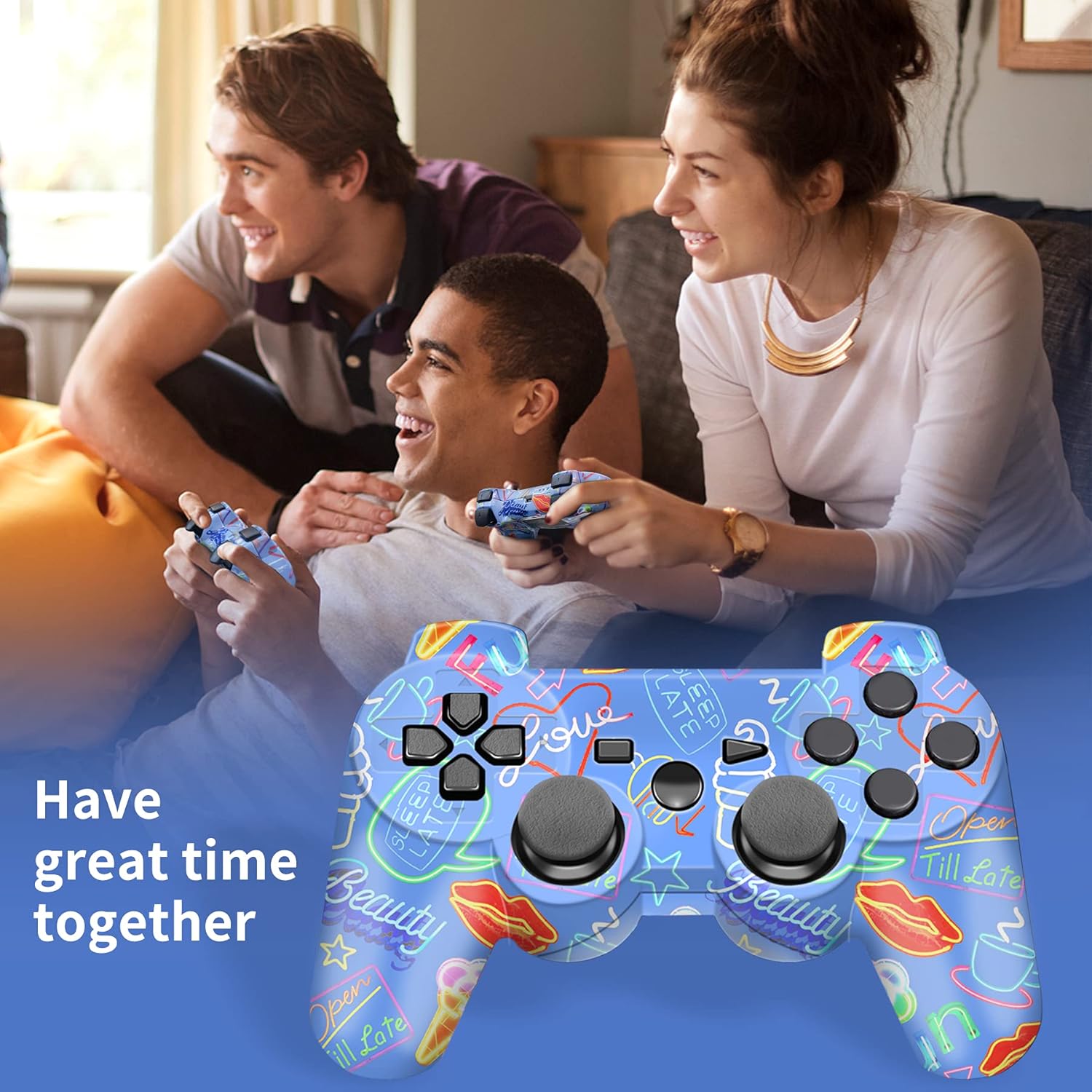
- 【FASHION GREEN GRAFFITI DESIGN】Out casing of the controller is polished for a more aesthetic and comfortable to use. The most classic shape controller perfectly fit palms, all the buttons and controls make your hand very comfortable for long periods of gameplay.
- 【DOUBE VIBRATIRON AND 6-AXIS】These game controller with 2 electronic motors make the each hit, crash and explosion more exciting and realistic. Highly sensitive motion control system senses your every move and characters as well as objects in the game will move and react as you tilt, push and shake the controller, makes it the perfect controller for games.
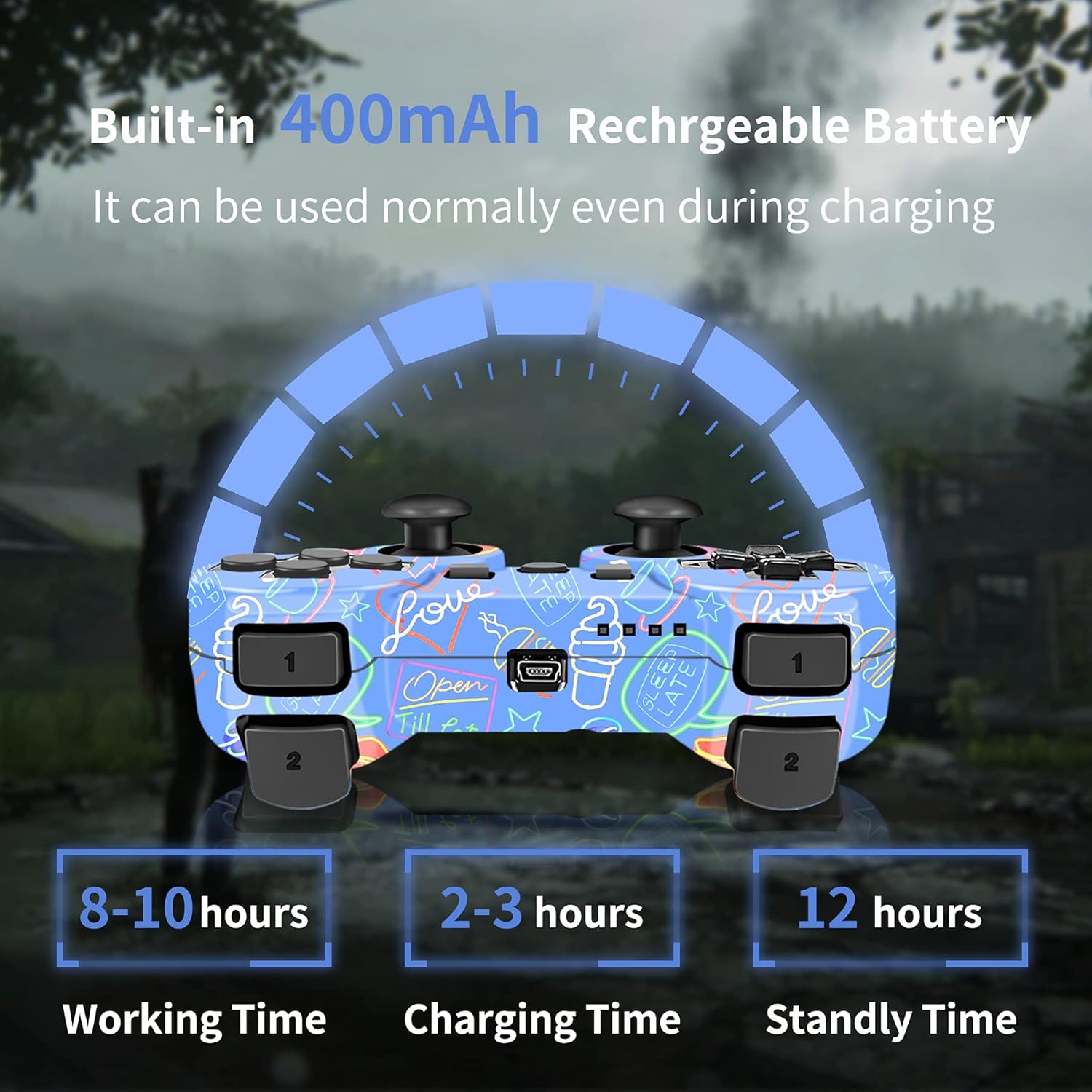
- 【BATTERY LIFE】Rechargeable lithium battery is so powerful that ensure hours of fun game. Joystick has 400mAh High-capacity Lithium Rechargeable Battery, takes 2-3 hours to fully charge and provides 8-10 hours of playing. 5 mins auto sleep mode for saving power, prolong the lifespan of battery. Allow you play games with them in turn, Charging while playing, say goodbye to low battery.
- 【Special Gift】 This CFORWARD wireless controller compatible for play3 , game controller can be good gifts for friend's birthday, Valentine's Day, Christmas Day and Children Day, will make your friends, your boyfriend/ girlfriend or children happy everyday! Any question with game controller wireless, please feel free to contact us,Thank you!!! We will to make sure that you are 100% happy with all purchases you make with us.
| Batteries | 1 Lithium Polymer batteries required. (included) |
|---|---|
| Item Weight | 8.1 ounces |
| Manufacturer | CFORWARD |
| Package Dimensions | 6.18 x 4.13 x 2.6 inches |

Bestseller ranking
Janitorial Disposables


Customers who viewed this product also viewed
Joysticks


Correction of product information
If you notice any omissions or errors in the product information on this page, please use the correction request form below.
Correction Request Form