

Headset Adapter for Xbox One Controller
Product details
| Management number | 208550863 | Release Date | 2026/03/22 | List Price | $36.00 | Model Number | 208550863 | ||
|---|---|---|---|---|---|---|---|---|---|
| Category | |||||||||
NOTICE1.This adapter is only for 3.5 mm headset. But not all 3.5mm audio jacks are made to the same standard. There are two audio jack standards: Cellular Telecommunications Industry Association (CTIA) Open Mobile Terminal Platform (OMTP) If you use an OMTP headset, you will probably experience audio or chat issues. However, if your headset or earbuds use the OMTP standard, you need to purchase an adapter to convert the device to CTIA. 2.Please update the driver before you use this headset adapeter.how to update your controller:(1) If you have one, plug the stereo headset adapter into the bottom of your controller so it can also get updates.(2) If you're using a stereo headset adapter, plug in a headset (a headset must be plugged in so the adapter will turn on).(3) Plug the included USB cable into the port on the left side of the console, around the corner from the disc tray. For Xbox One X and Xbox One S, the USB port is on the front under the Power button.(4) Plug the other end of the USB cable into the top of the controller.(5) Instructions to install the update should automatically appear. Follow the instructions, and don’t disconnect the USB cable while the update is in progress. The process can take up to 3 minutes. If instructions to install the update don’t automatically appear, you can start the process manually. To do this, press the Xbox button to open the guide, choose System > Settings > Devices & streaming > Accessories, and then select the controller you want to update. Select Device info, select the Firmware version box, and then select Continue.3.This headset adapter is not Microsoft original,this adapter is a good alternative.4.Pls contact us directly if you have any problem after receive the item.We will make every effort to solve it.
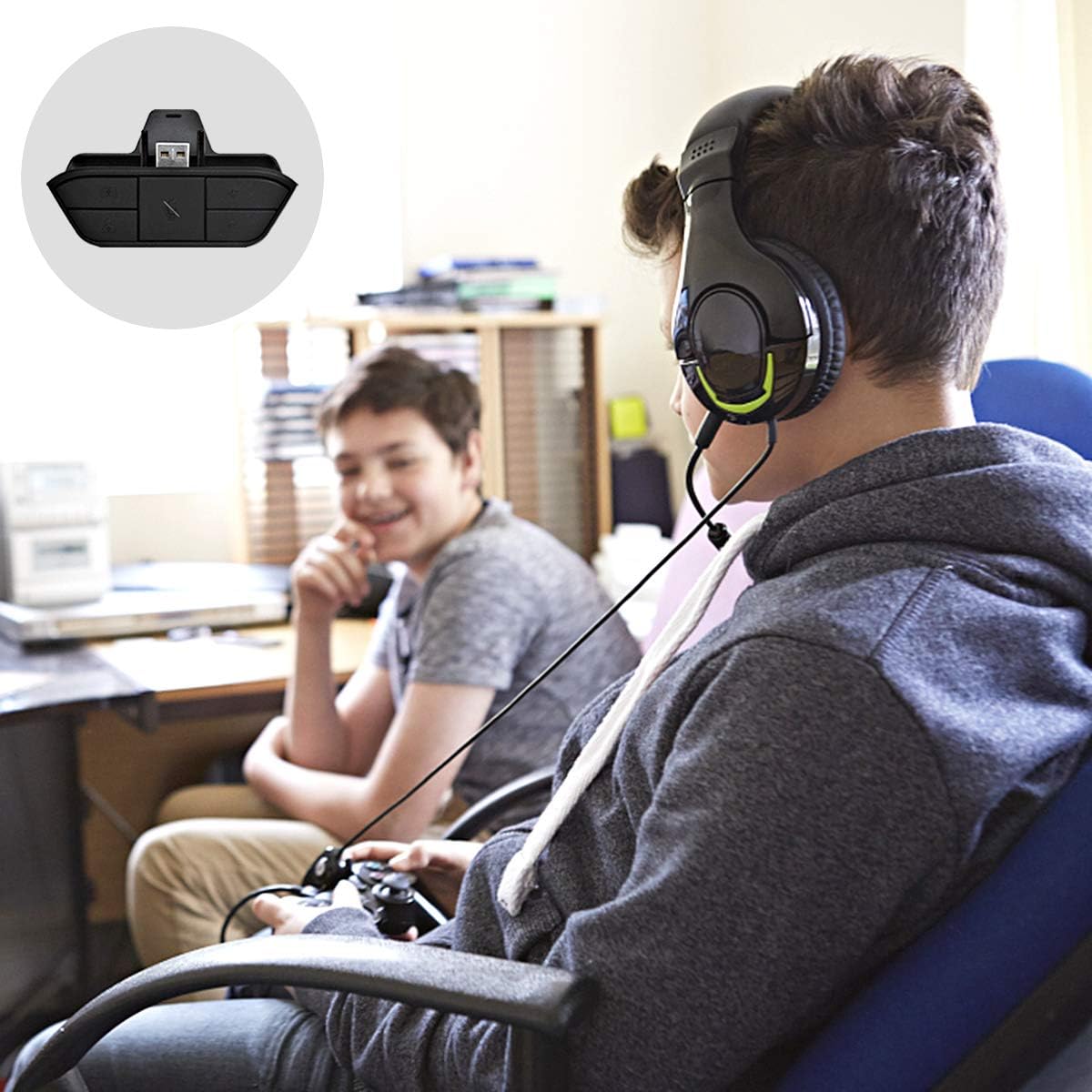
- Easy to Use:Update the driver, plug the headset adapter into the controller, connect the headset to the 3.5mm audio jack of adapter,then you can enjoy your game.
- This xbox one headset adapter fits most of stereo headset(Any 3.5 millimeter stereo headset that uses the CTIA plug standard) and xbox one/S/X.
- Controls include volume up/down, microphone mute, and game/chat balance,which makes it easier for you to control volume without needing to take your hand off of the controller.
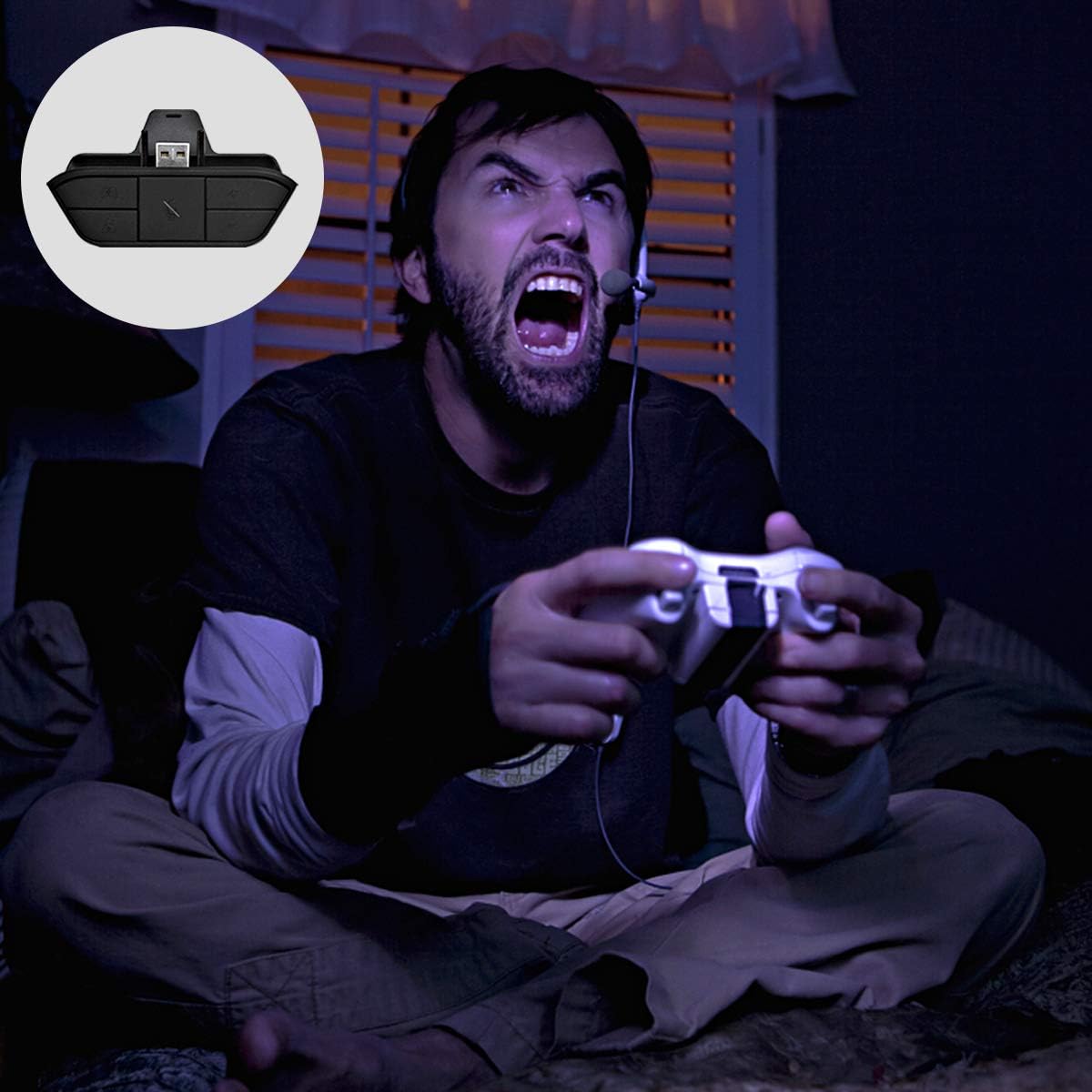
- As a Gift:This headset adapter will be a great gift for husband,kids,friends if they love play video games on xbox.It’s great for gaming at night or watching TV without the tv blaring.
- What You Get:Headset Adapter for Xbox One( 1 Pack,usb cable not included), 30 days money back. If you have any problem with our product, please feel free to contact us,we’ll always be there.
| Brand | FDOUKI |
|---|---|
| Item Weight | 0.81 ounces |
| Manufacturer | WIISLIN |
| Hardware Platform | xbox one |
| Item model number | 657631004312 |
| Package Dimensions | 3.1 x 2.8 x 1 inches |
| Is Discontinued By Manufacturer | No |



Bestseller ranking
Pencils
Customers who viewed this product also viewed
Adapters


Correction of product information
If you notice any omissions or errors in the product information on this page, please use the correction request form below.
Correction Request Form